EchoBand

Nathan Campbell
Software Developer
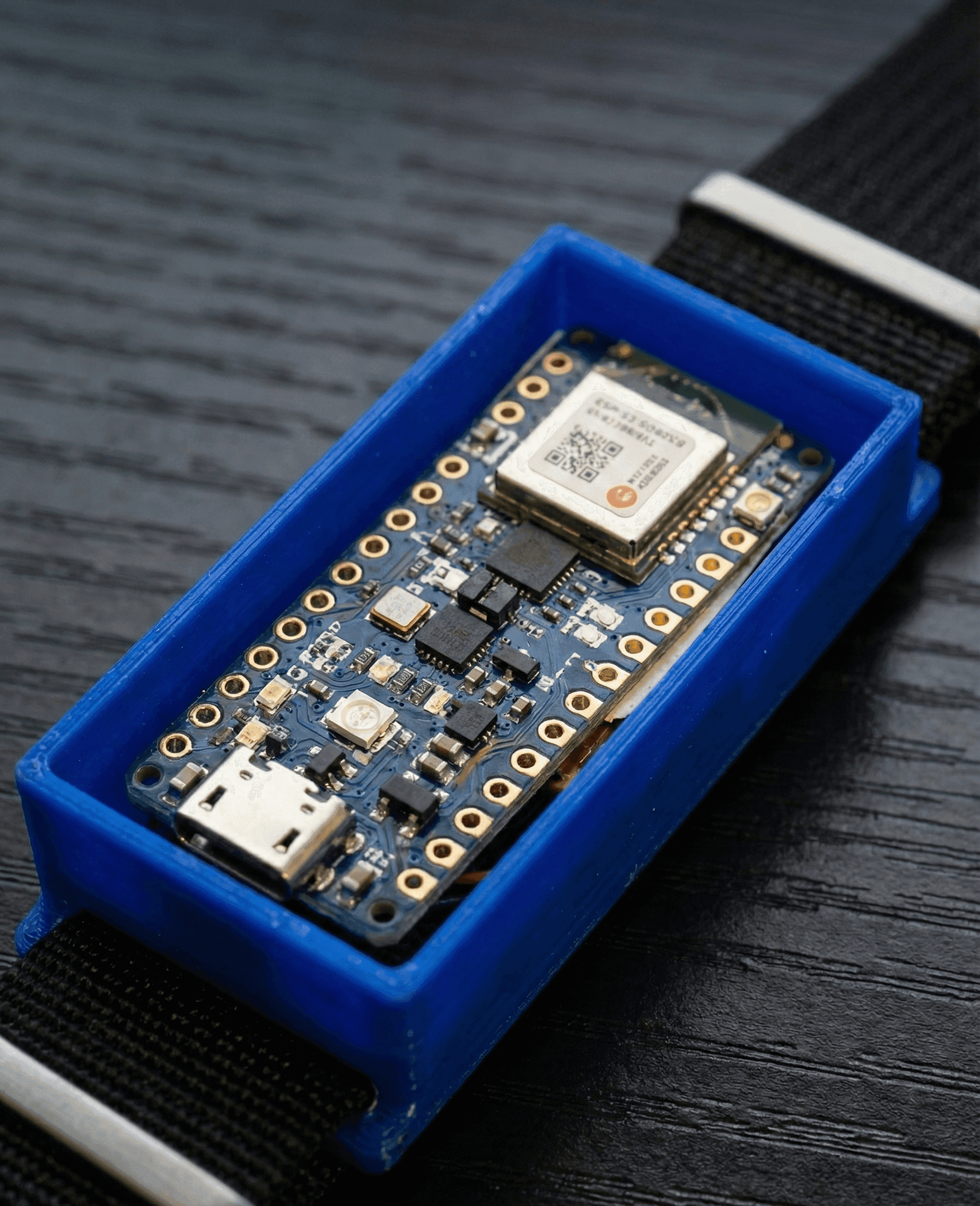
The Echoband wristband was designed by me and a friend, Aria, to create a simple way to control electronic devices with gestures. The wristband sends Low Energy Bluetooth(BLE) signals to a connected device with simple short commands about the type of message it has recieved allowing it to connect to any app that recieves bluetooth signals, enabling users to build their own apps to interpret the data without any complications.
The gestures we built for detection consisted of a swipe to the left, a swipe to the right, and a shaking motion of the hand. This is a very small set of gestures that is not easy to have much control over. This is why we also included a voice command system that allows users to first voice the command they wish to activate, then use gestures to control that specific command word.
In our examples, we used a music keyword to control Spotify through swiping motions, allowing users to skip forward and backward through songs, as well as shake to pause the music. We also included similar things for screen brightness and volume controls.
Technical Details
This project includes details about hardware choices, as well as software and 3D printing, since the entire wristband was designed by us completely.
Hardware
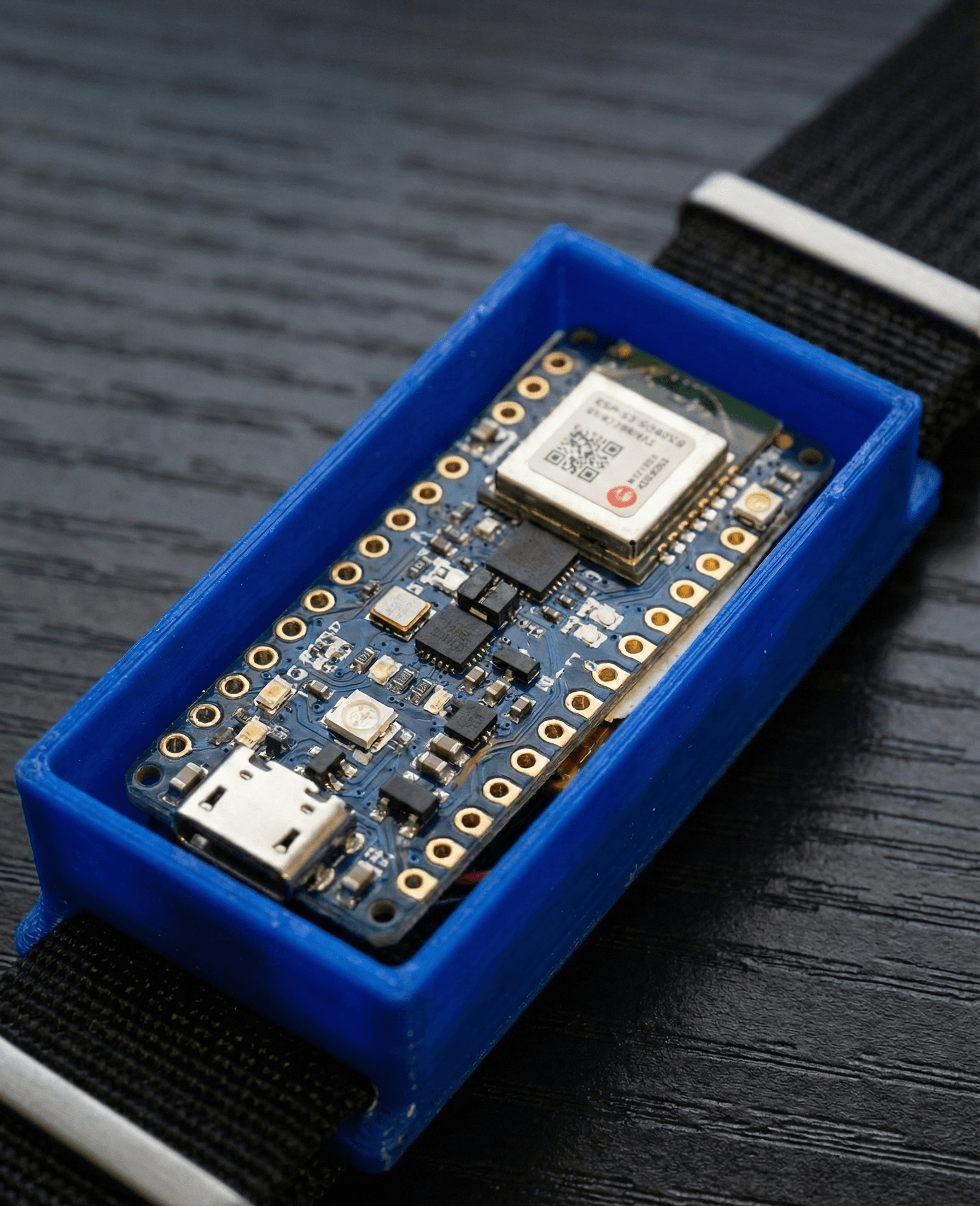
When looking at designing this wristband, I wanted to keep the device as low-profile as possible. I concluded that choosing a board that had all of our sensors onboard already would allow us to focus on creating the best product possible without creating a bulky, fragile system of tightly packed wires into a small box. For this reason, I chose to use the Arduino Nano 33 BLE Sense Rev2, which contains both a microphone and a 9-axis IMU for detecting gestures.
The Arduino also needed a power source directly into the board. We ended up using a rechargeable 250mAh Lipo Battery that could be wired directly into the board with enough power to deal with Bluetooth power spikes and last for several hours before needing to be recharged. One thing we did not add in due to time constraints was the ability to simply plug in the watch without needing to take the battery out separately. The problem and complications with this are charging in a way that doesn't overload the battery or the Arduino during charging, as well as not overcharging the battery.
Gesture Controls
For this, I chose to use a threshold-based system where once a keyword has been detected, it will constantly be probing the IMU and checking to see if the values have reached the thresholds for the magnetometer and gyroscope to detect a gesture. This was chosen to be simple so that it is power efficient and has very little lag and works for basically everyone, unlike a machine learning solution that is time-consuming and might pick up subtleties that don't work for everyone.
Voice Keyword Detection
The keyword detection is done using an onboard microphone and a TinyML model that runs right off the wristband for fast and secure detection. Many devices use APIs to detect keywords that store data off-site and have delays in sending data through the network. We used a program called Edge Impulse to connect to our Arduino to create test/training data and compile our model into a model that we can use with an Arduino.
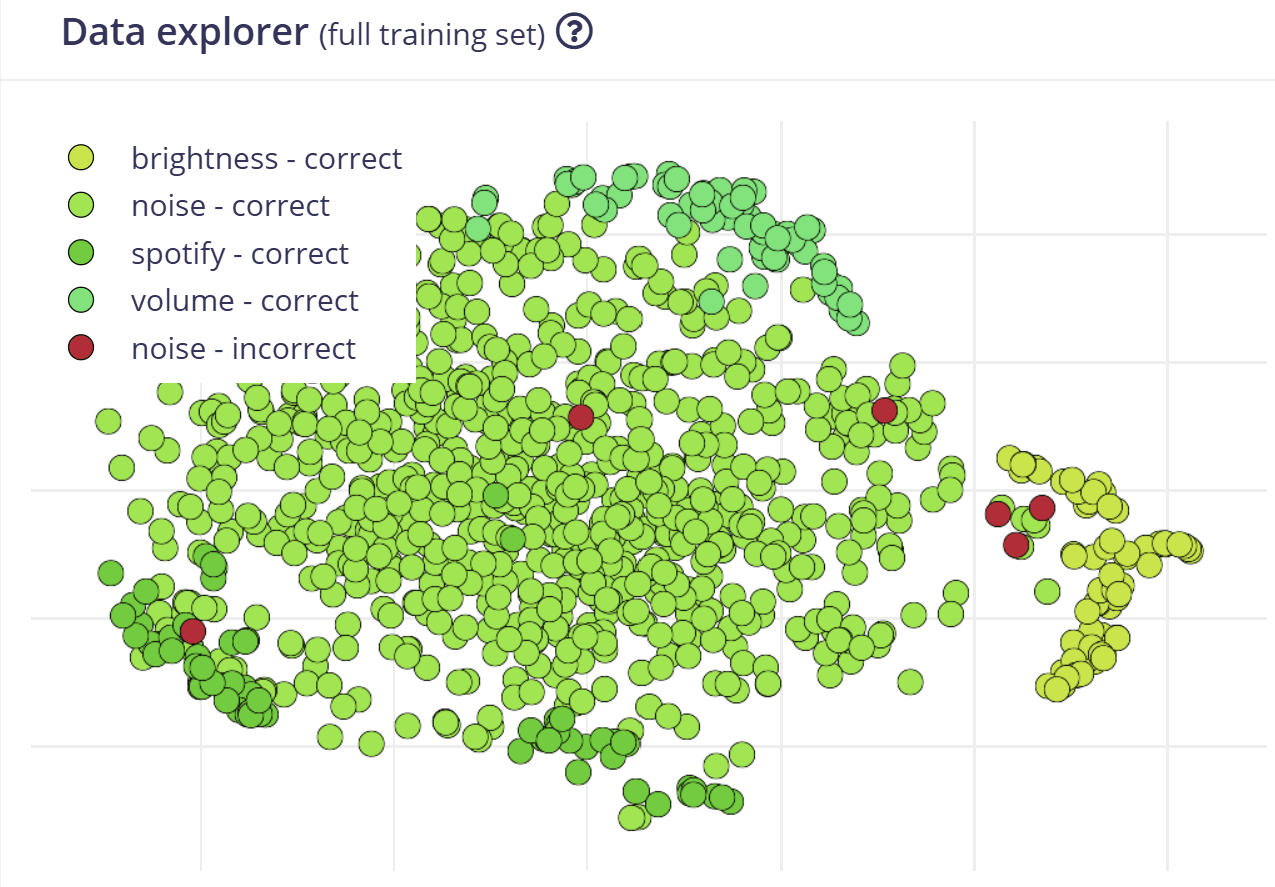
Through training on keywords and noise values, we were able to reach a 99.4% accuracy with our classification model, which gave our product a great feel when using. We used techniques like sliding windows across the input from the microphone, requiring back-to-back confirmation windows of a keyword to increase the accuracy even further. We were also able to use the Data Explorer to see where things were going wrong, to see the words that were overlapping and adjust training to account for these errors.
Building The Wristband
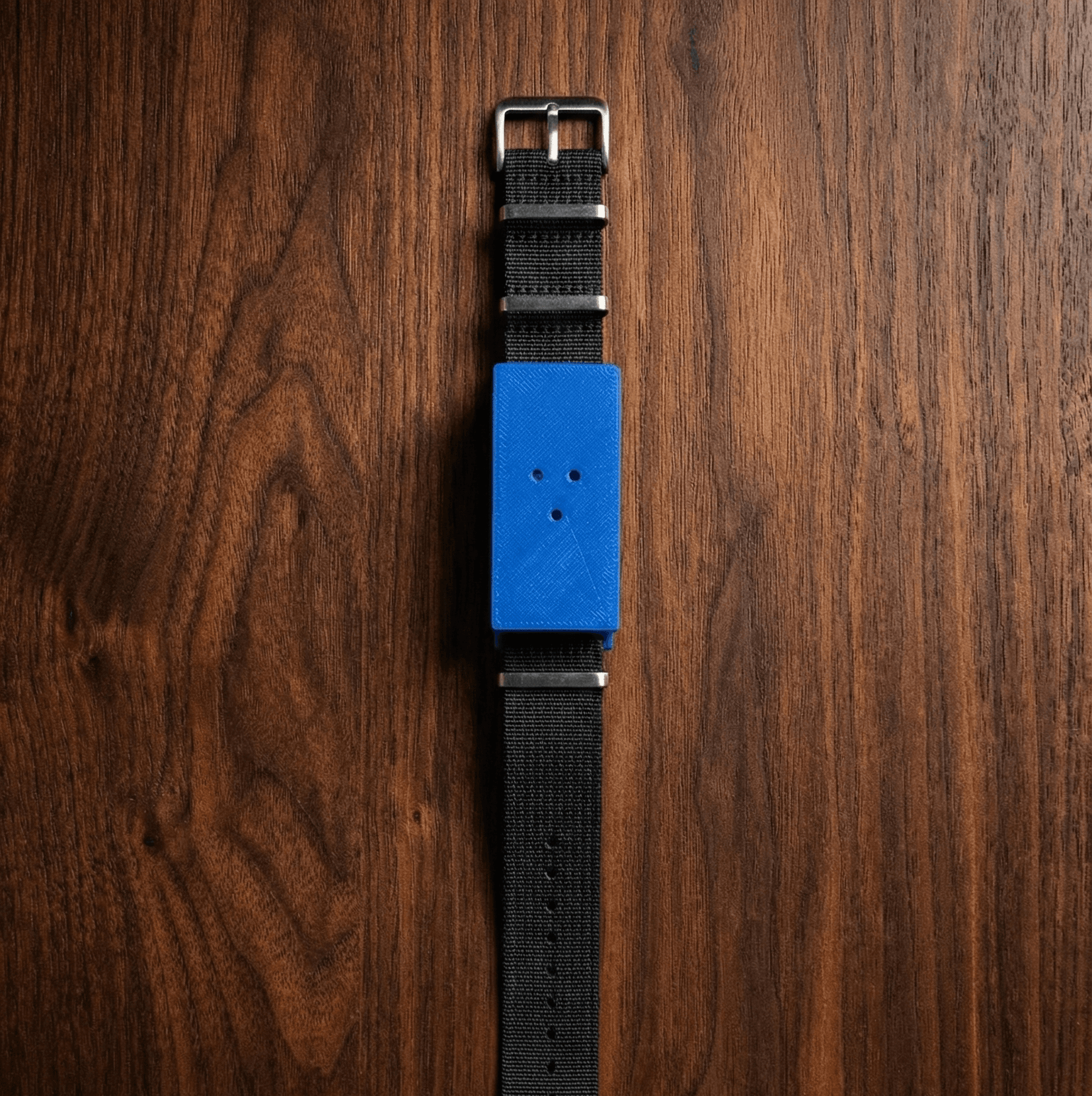
The wristband was designed using a 3D printing software that would hook into a basic watch wristband to hold tightly to the wrist. This was specifically designed with holes in the top to allow for sound to travel easily, as well as have a tight, removable lid to keep everything stored neatly inside.
If you would like a full, detailed report that is available as a pdf here.
Related Content
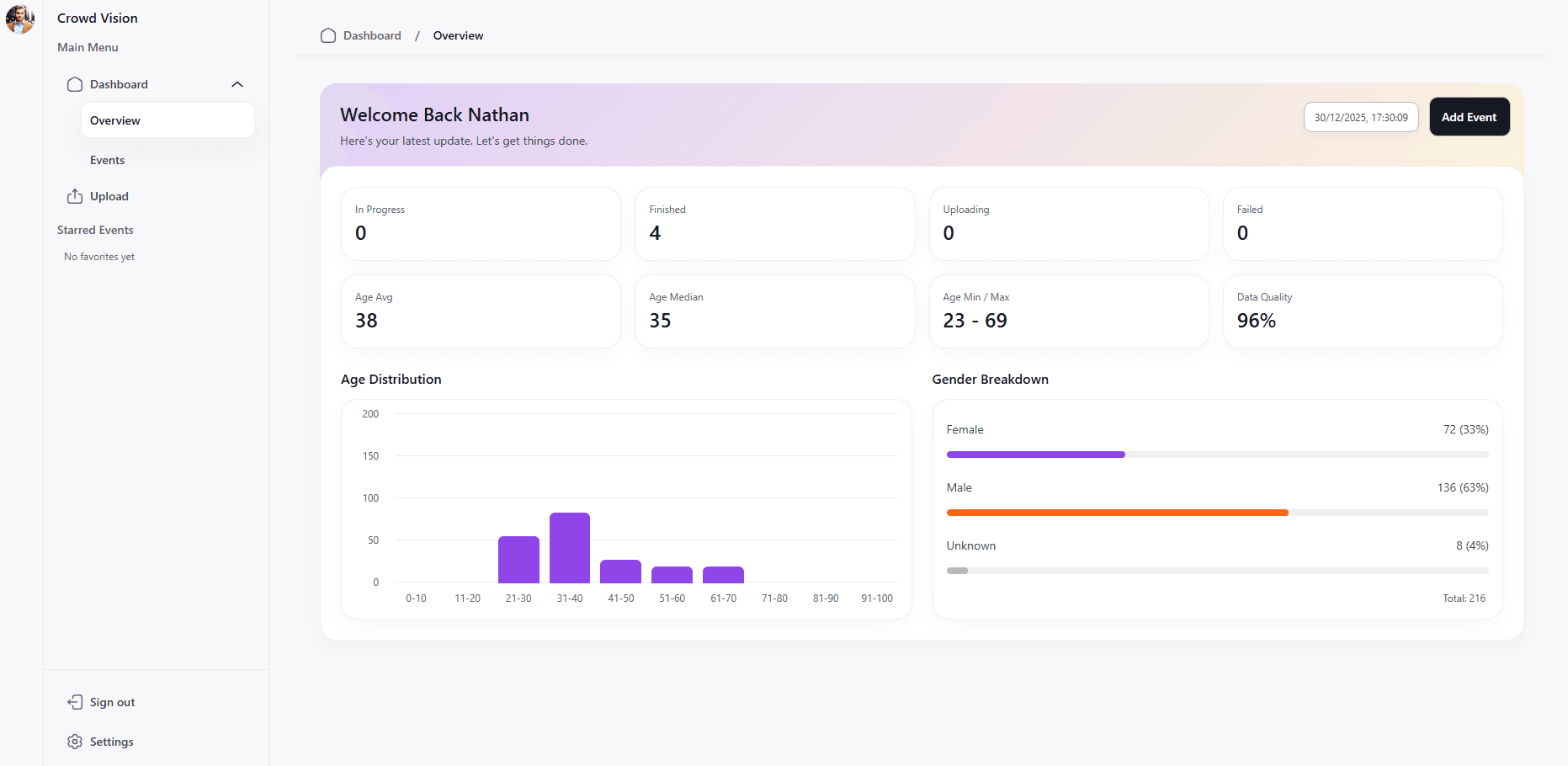
Crowd Vision
A SaaS business idea that allows for companies to gain demographic data based on security camera footage. The goal was to gain this data in the cheapest method possible using cloud infrastructure to pay per minute of video time.
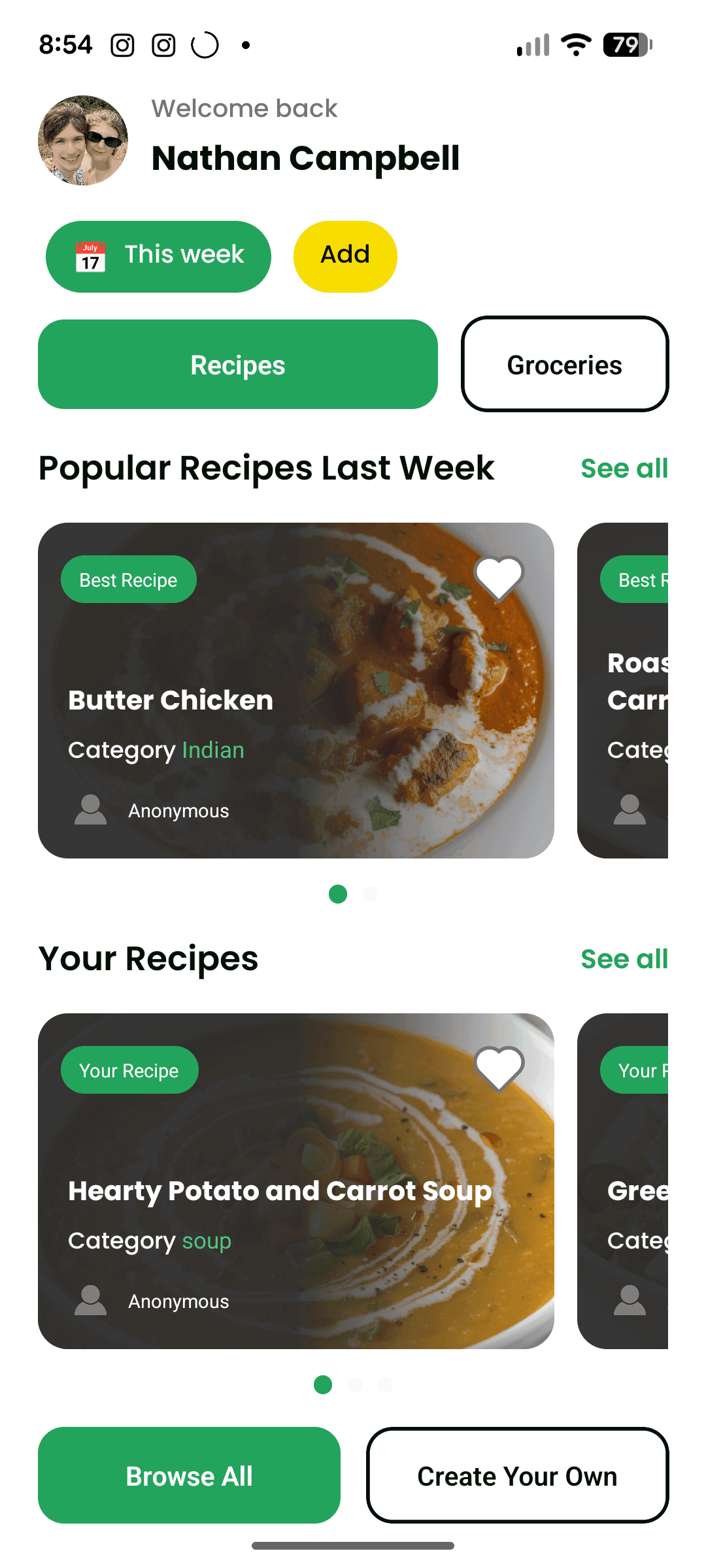
EveryDish
This is an app for finding and creating new recipes to cook each week. It acts as a social media app for recipes while also helping with cooking and creating a grocery list.