EveryDish

Nathan Campbell
Software Developer
Everydish is a mobile app built by me and a friend, Aria. It allows users to meal plan with ease by selecting from a wide array of recipes as well as creating their own using AI to assist them. The app allows you to plan ahead by selecting recipes in advance and creating a curated grocery list for you, combining all the ingredients for those recipes.
This app is a simple idea with numerous opportunities for improvement to enhance the customer experience, and it also relies heavily on user-generated recipes to build an extensive list of recipes that other users can enjoy.
Technical functionality
Database
Our app uses Convex as a database. I chose this for a few key reasons. Firstly, the app can be maintained in a monorepo, where our front-end and back-end code can be kept in the same place. This approach eliminates potential sync issues that can occur when a user accesses one piece before the other has finished updating. Convex also allows for type safety matching, whereby using TypeScript for both the front and backend can utilize the exact schema that Convex uses to generate the table itself. Lastly, I used this to simplify auth and API calls by keeping everything within Convex. I could make use of the computing ability to keep all of my backend and all APIs that require processing to be within the same service as my data.
How does the recipe generation work?
Our recipe generation is done using LLMs with system prompts and user prompts to create the actual recipes themselves. Currently, the text prompting is done with the "gpt-4.1-mini-2025-04-14" model using a JSON structure required response to get perfect recipes every time. Once a user is happy with the recipe, we will generate an image based on the recipe using "gemini-2.5-flash-image".
Frontend
The front-end development is done using React Native for an easy flow between Android and iOS systems. I will briefly go over the main pages in the app with small descriptions regarding key points, with the current design at this stage.
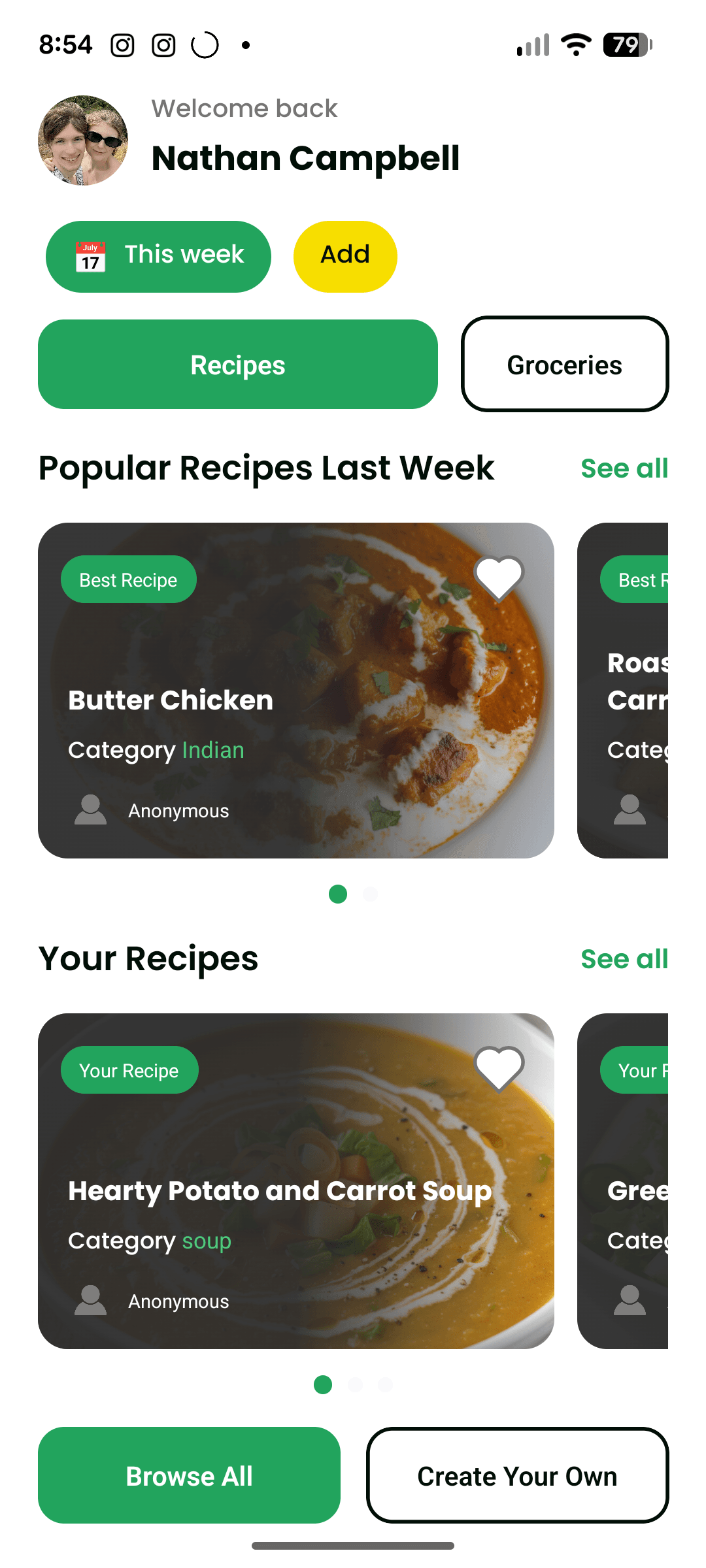
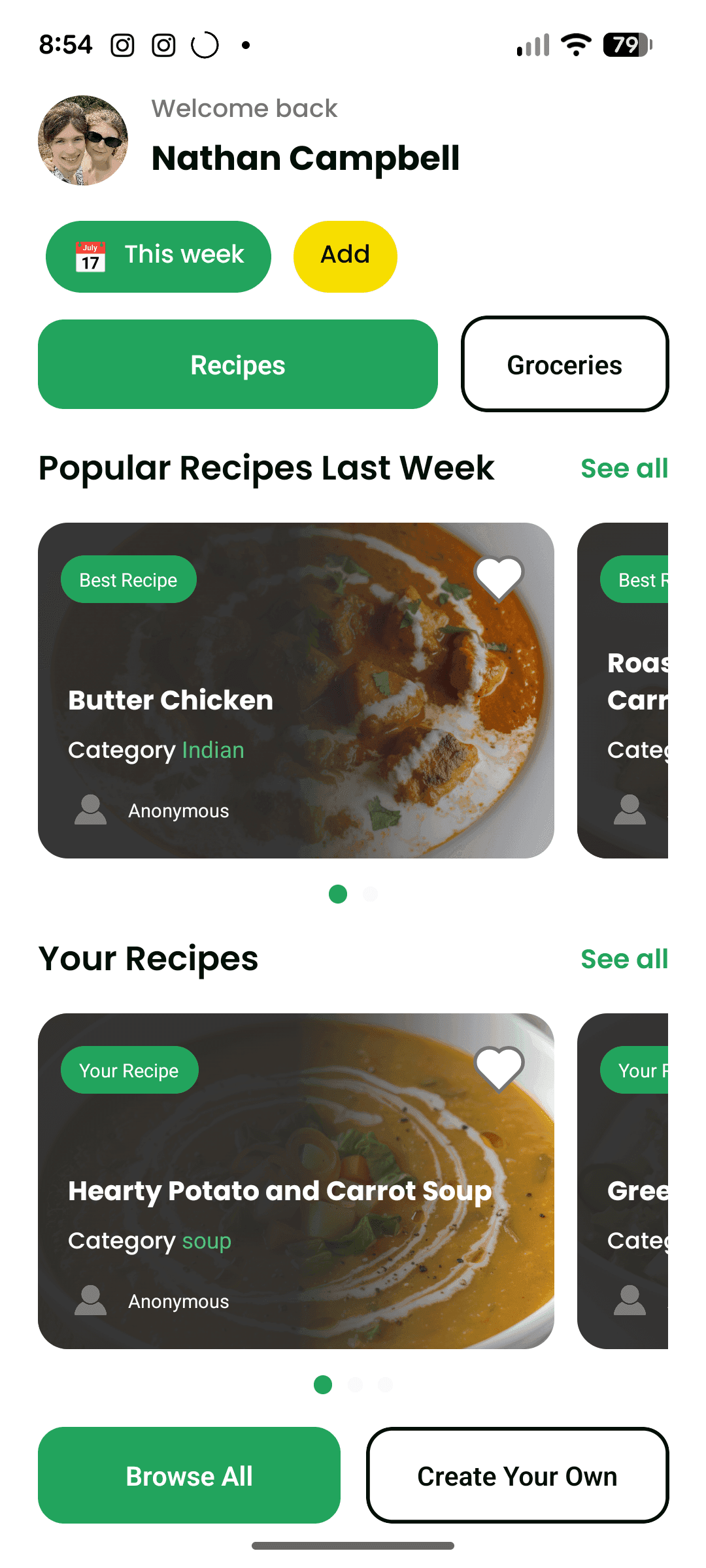
This is the main page of the app, where almost all features are 1 click away. This page allows you to view recipes and has a section at the top for adding new weeks, so that you can plan ahead of your current week.
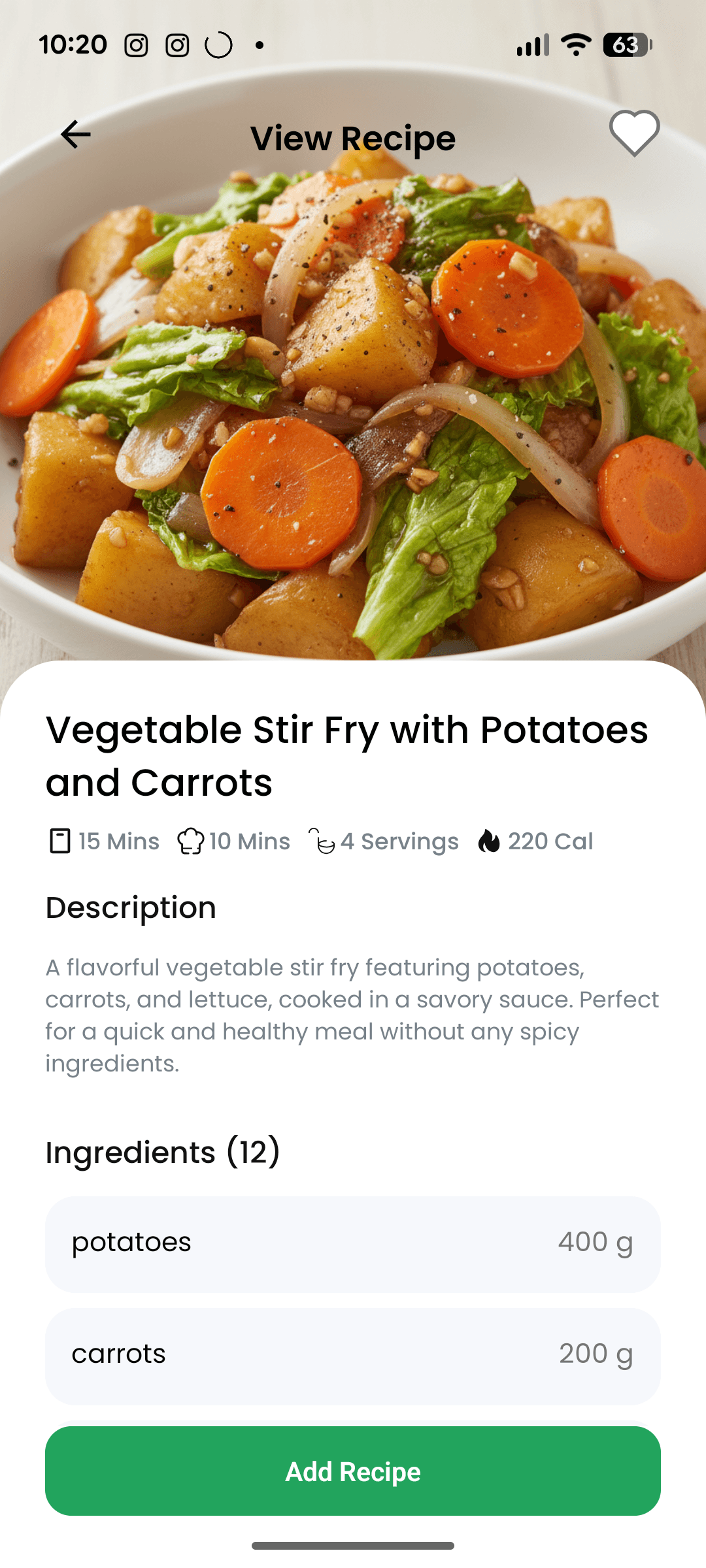
This is what the view of looking at an available recipe looks like. It displays a simple description, ingredients and below, a list of steps to cook the recipe in view.
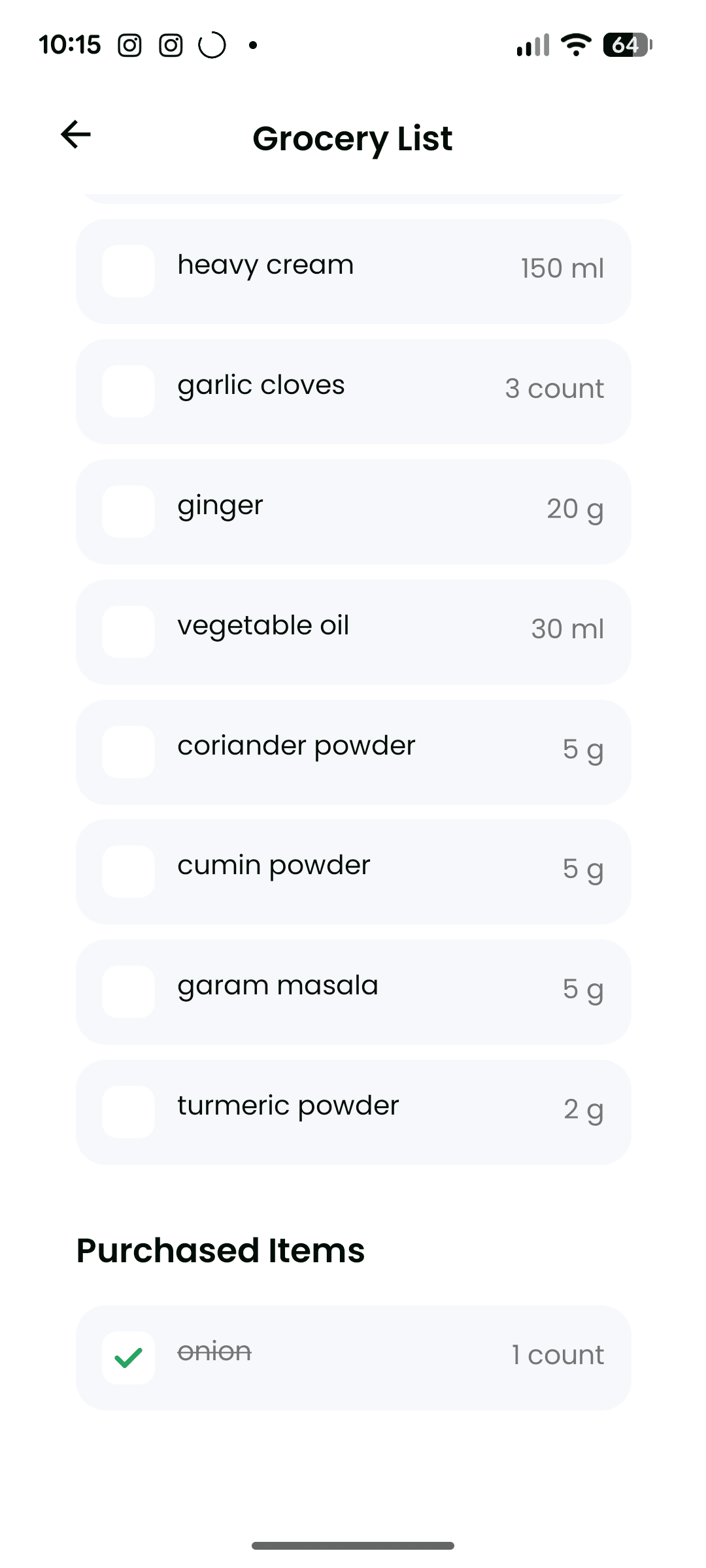
Here is the generated grocery list for the week. The system will automatically combine all selected recipes into one list that can update dynamically, allowing for easy shopping for any user.
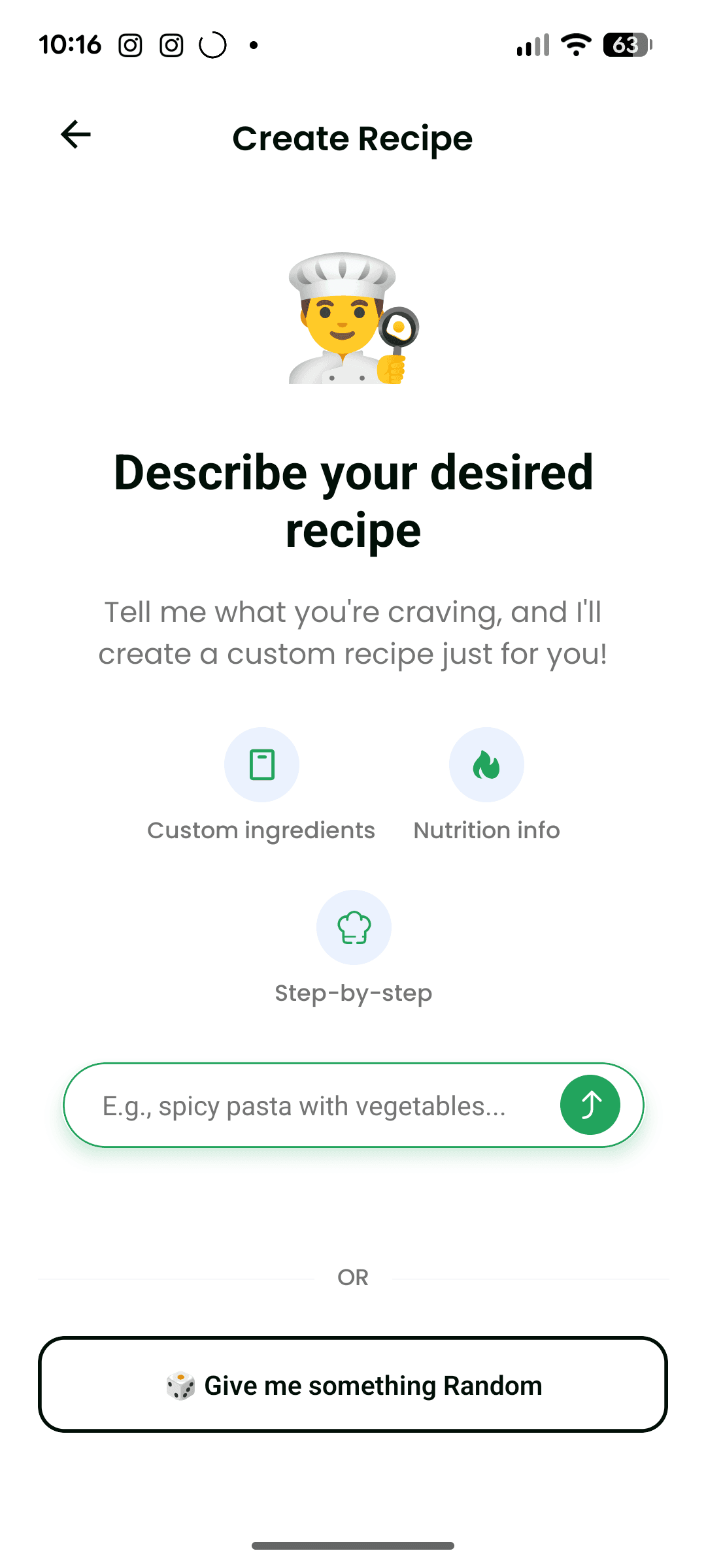
Here is the first initial page for creating a new recipe, it allows the user to enter in whatever they would like, or generate something random based on the users preferences. Not shown in the pictures, but after the initial recipe is generated, the user is still able to prompt and continue updating the recipe in whatever ways they would like until they are truly happy with the outcome.
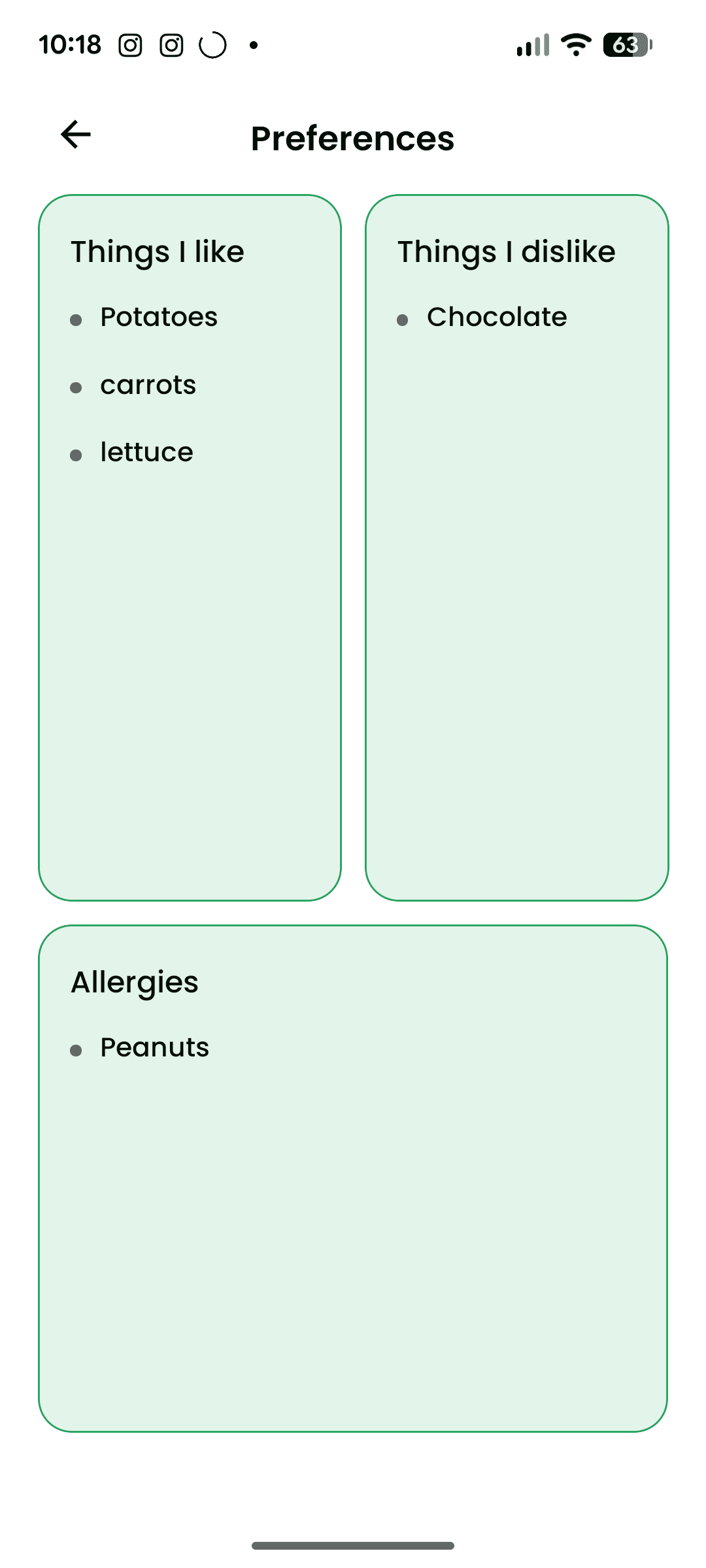
This page covers user preferences. By using this, we can ensure that the user doesn't get generated recipes containing things that they don't like or are allergic to. The "things I like" category is great for helping the AI choose proteins and side dishes within a specific genre of food. This information is passed to the AI when generating recipes to be included with the prompt.
Conclusion
This app was something that I had wanted to use, but didn't exist anywhere in a way that was so nicely organized. This app still has some design changes needed before being ready for deployment to app stores, but this is a project that I plan to continue working on over time.
Related Content
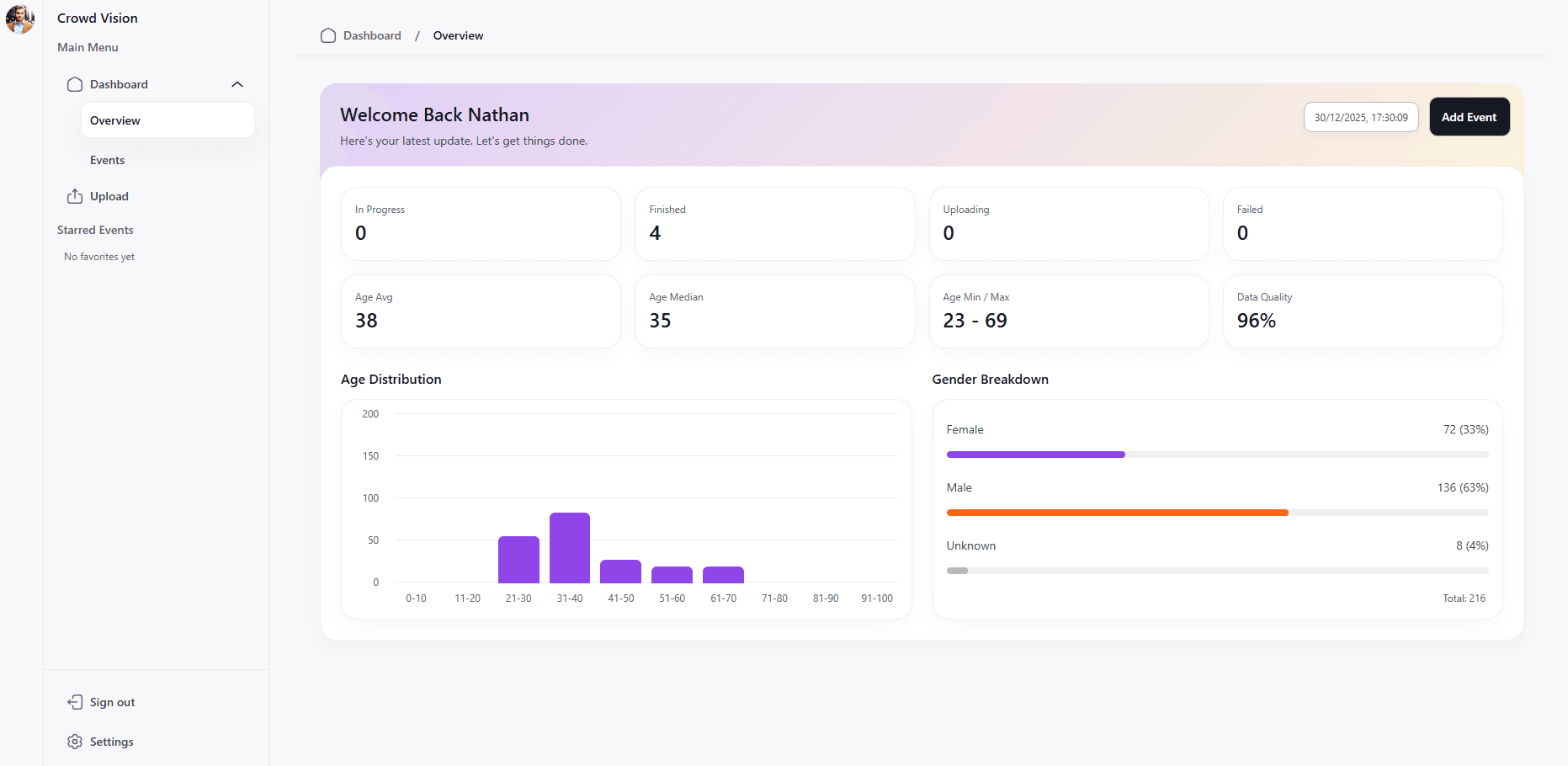
Crowd Vision
A SaaS business idea that allows for companies to gain demographic data based on security camera footage. The goal was to gain this data in the cheapest method possible using cloud infrastructure to pay per minute of video time.
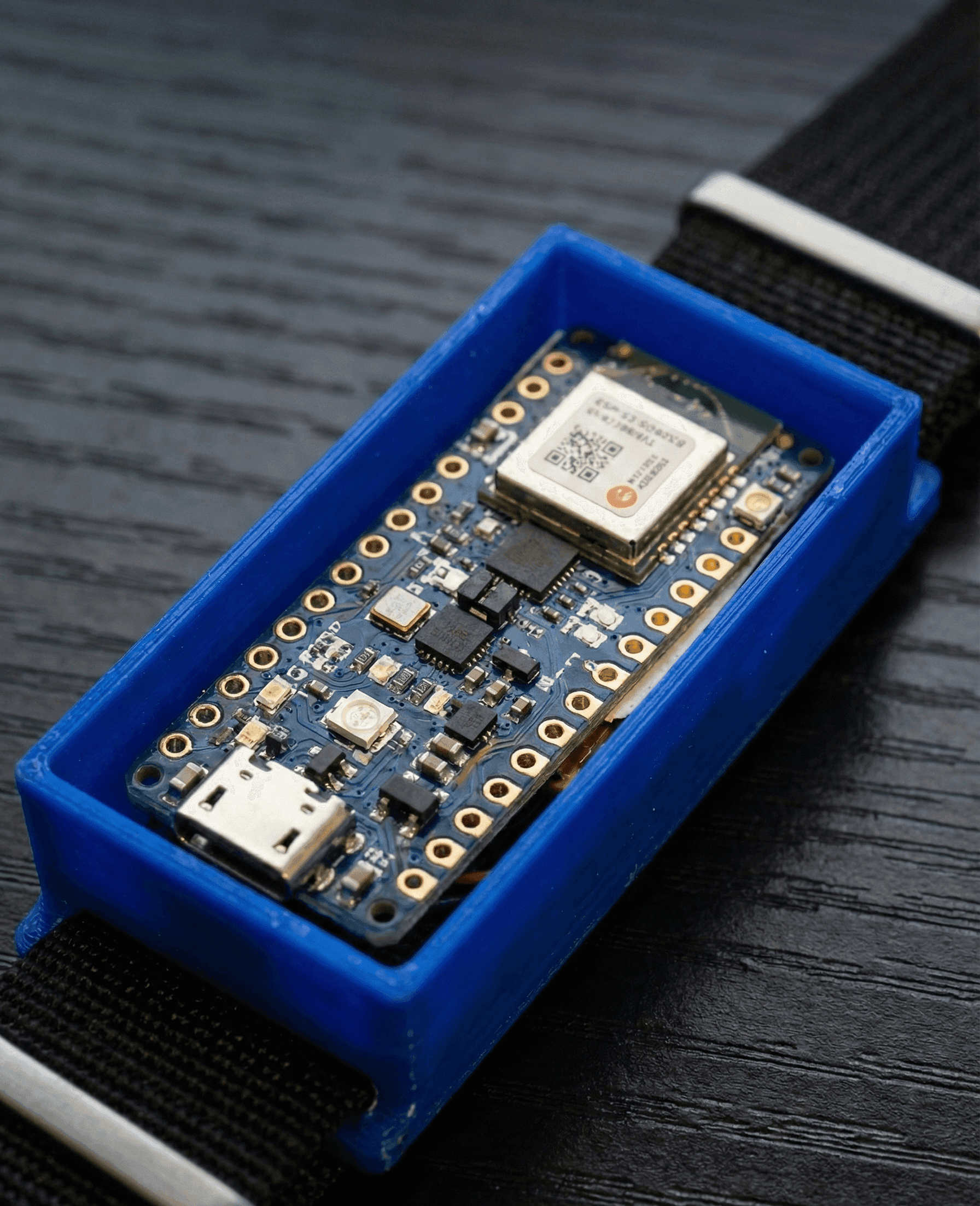
EchoBand
A voice activated, gesture controlled wristband for controlling electronic devices over Bluetooth