Personal Portfolio website

Nathan Campbell
Software Developer
I built my portfolio to showcase more than just code
As I near graduation, I wanted a site that reflects both my technical skills and my design sense. Using Next.js, React, TypeScript, and a Strapi backend, I created a portfolio that’s easy to manage and performative. With generative AI shaping the visuals, the result is a clean and modern space to share my work.
Design
As all aspiring software engineers do, I was planning to build a portfolio website for a long time. I built this website during my time working at Mawer, where AI usage is highly encouraged. I wanted to see how far I could push AI using different tools to see what I could learn building my first full-scale website.
I started with an idea, having these "balls" bouncing around the screen that would be the links to the different sections of my site. There were many iterations, but I only have one screenshot from that experimentation, and it didn't look great.
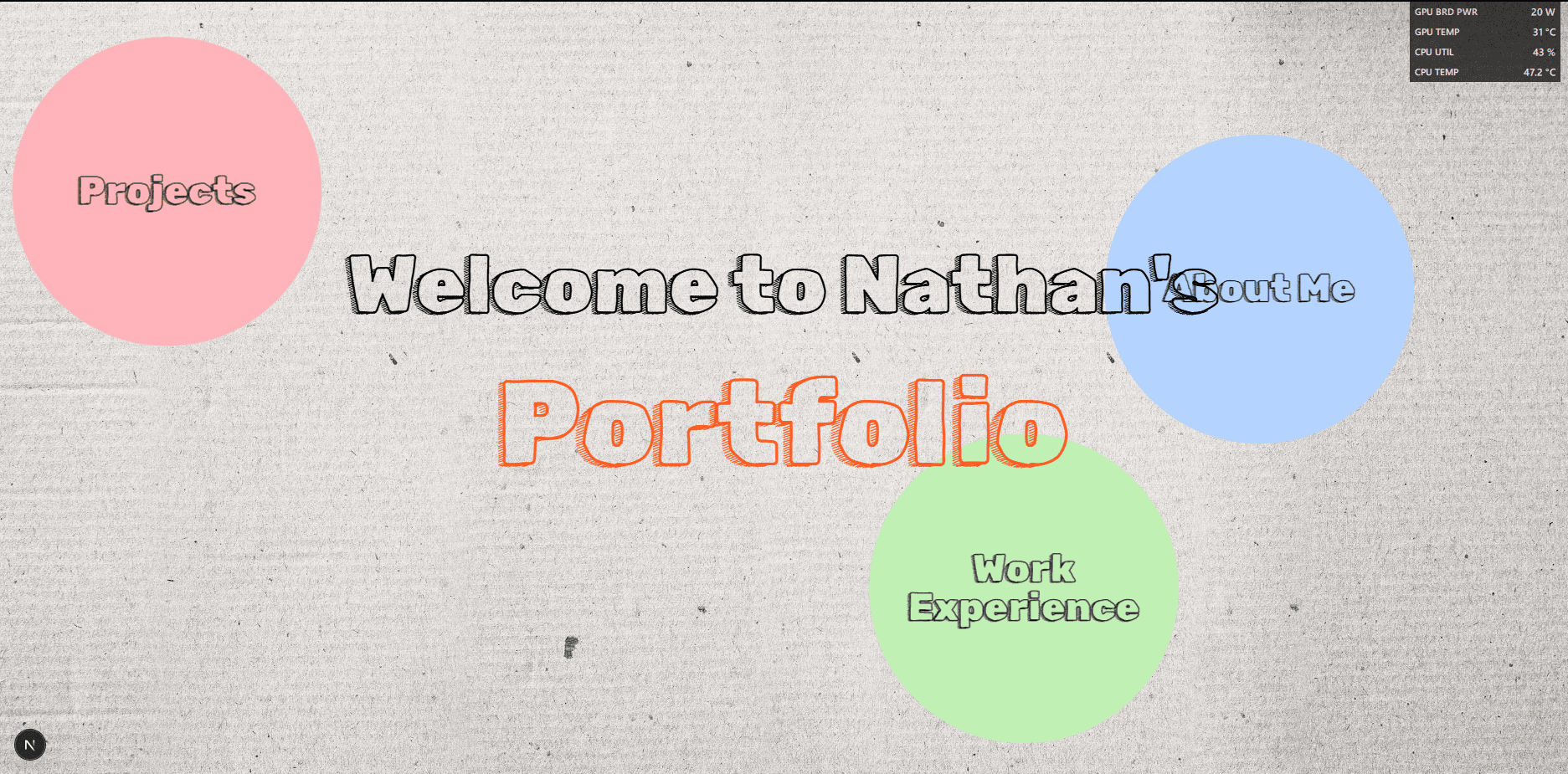
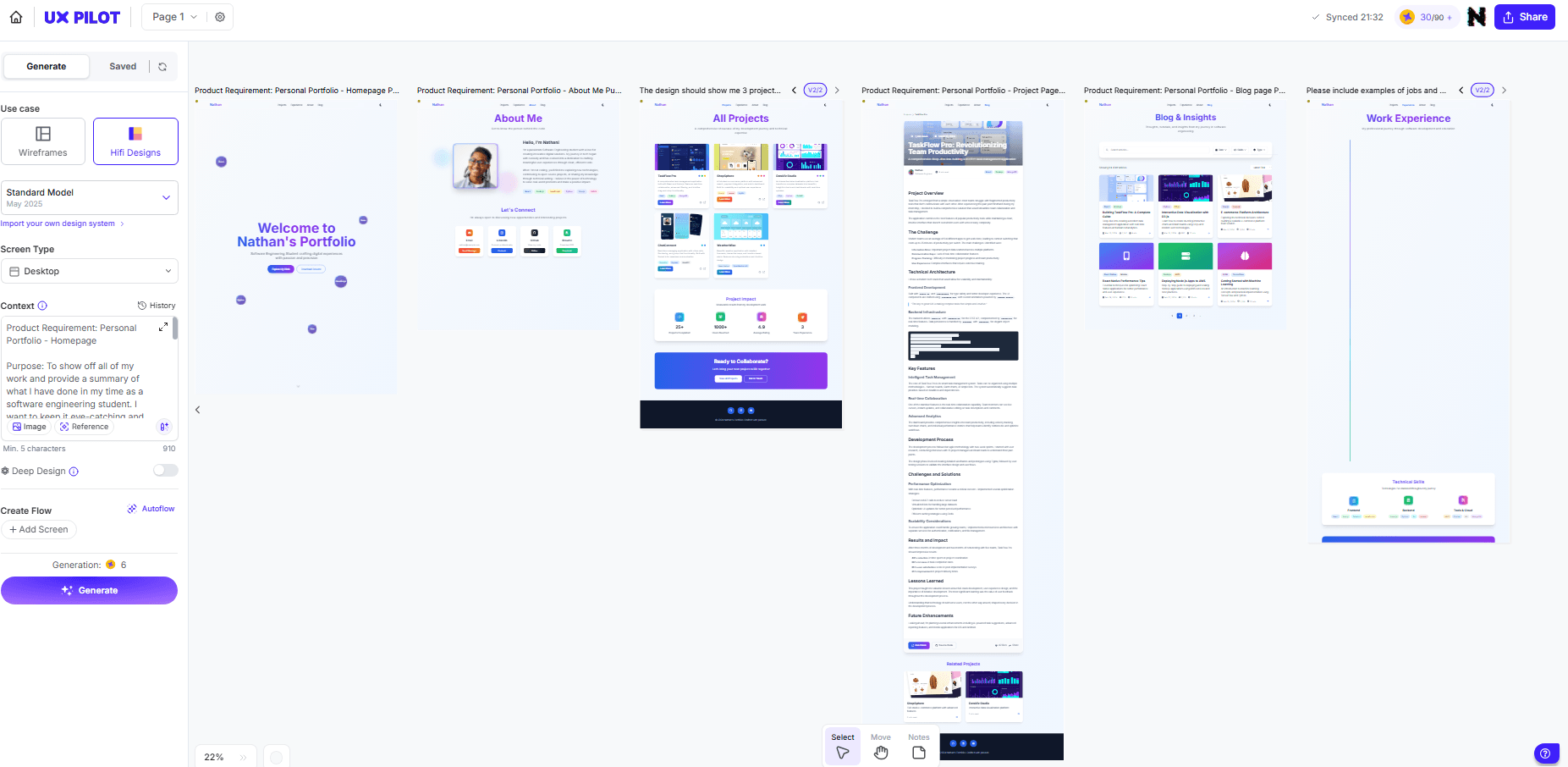
The only piece of this old version that I liked was the transition between pages. I decided to see what I could salvage from this code and turn it into something I wanted. This is around the time I got introduced to AI design tools. While I have made elegant designs before, I wanted to try out these designers. I settled on UX Pilot, which provided a satisfying and usable free-tier experience. While I am not entirely sure I used the tool in its intended way, it was able to give me the beginning of the basic layout and colour scheme for most of the pages. While it wasn't perfect, it provided a fantastic starting point from which to build upon.
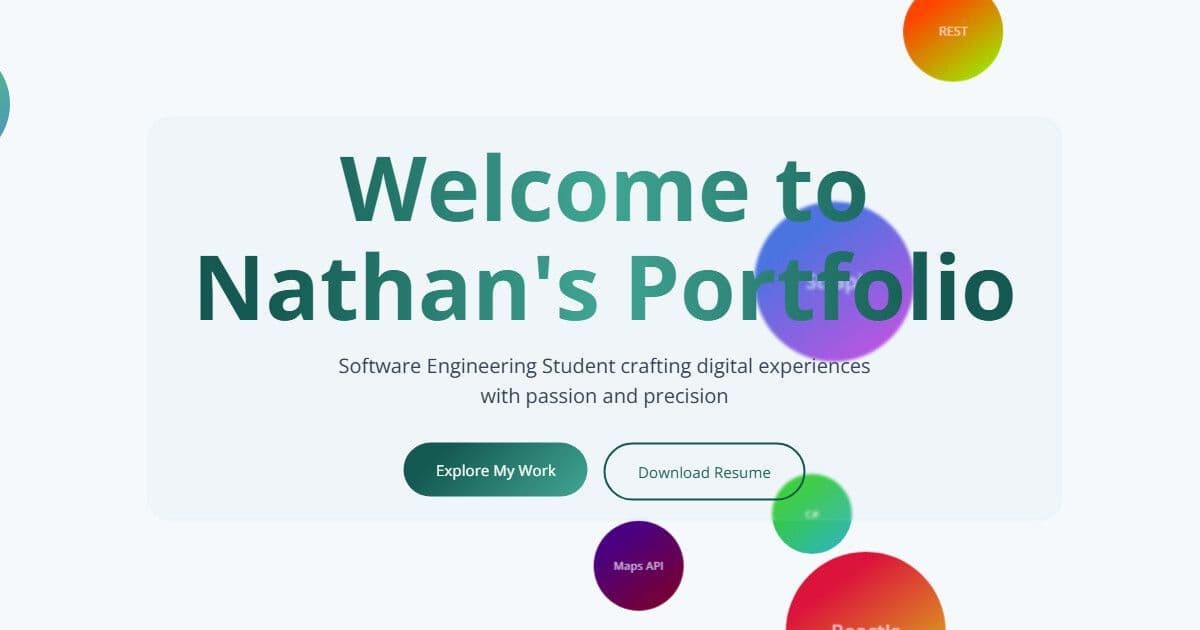
I chose to use NextJS React as I wanted to go with something inherently designed around SSG so that I could maximize my SEO and performance. When I started building, I didn't pay much attention to what I needed to do for the SSG and decided that I would implement that later; I would start with getting the basic designs down. From the beginning, I wanted to have these circles bouncing around the screen; this minor physics simulation was something that I thought would be fun, even if I was going to start by using them as links instead of as a background. The problem with using them as links is that it breaks away from the basic design principle, making the website confusing to navigate. After spending all that time working on the functionality of bouncing circles, I was not going to give that up. The AI Designer gave me the idea of using them as a background; however, the bouncing was distracting and made the text hard to read, this prompted me to use the glass background for the text and buttons and top bar.
Staying on the homepage, I decided to have some fun with the mouse, and I had been playing with the drawn mouse for a while, particularly with the effect that you see if you hover over the main text on the home page. I decided to continue drawing this as a circle around the mouse with a dot cursor because I visually like the way it looks.
The Work Experience Page

This page was one of the hardest for me to build. There were many iterations, and they all got frustrating as I tried to build a vertical timeline. Vertical timelines seem to be extremely uncommon, as the design AI could not comprehend them at all(the blank page in the UX Pilot screenshot). The first iteration led to me designing something that I thought looked super cool, but ultimately was bad design to work through and was painful to scroll through.
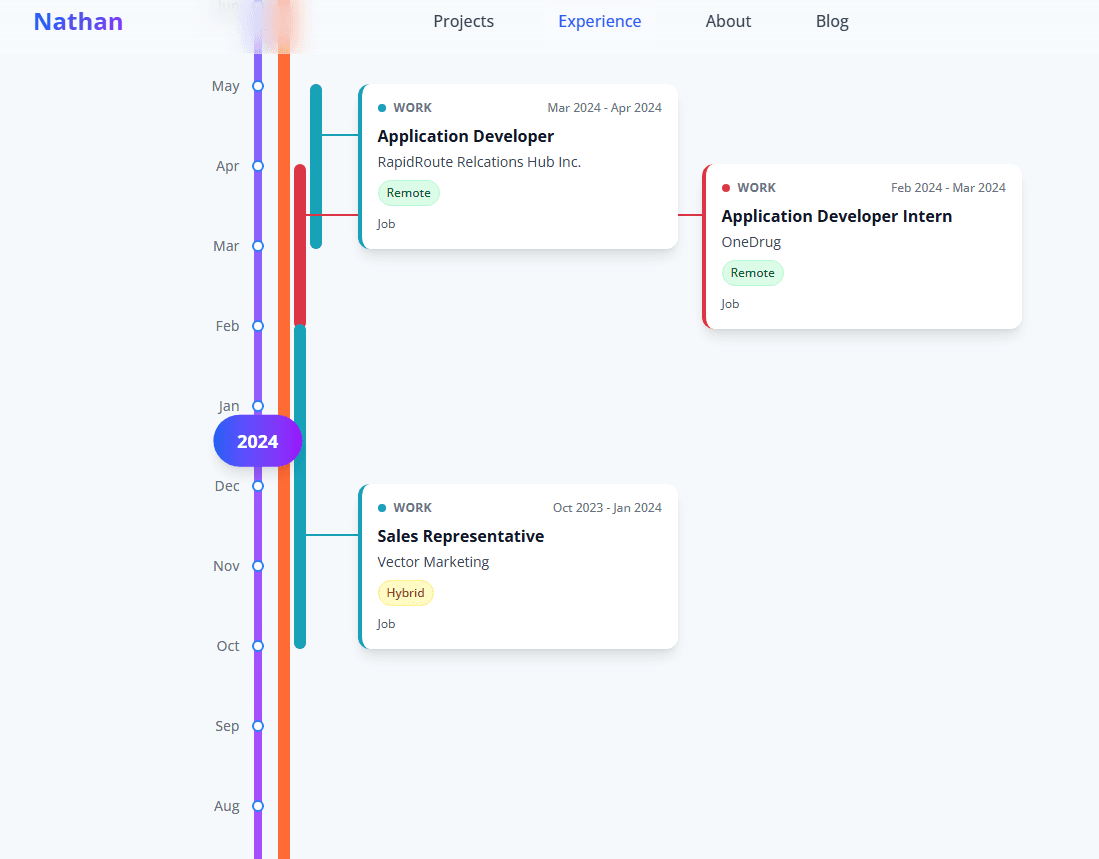
I decided to go with something simpler and ended up with the design I have now. It was far simpler and displays my work experience in a simple linear fashion, while I think it could still use some improvement, it's a step in the right direction.
Blog/Projects pages
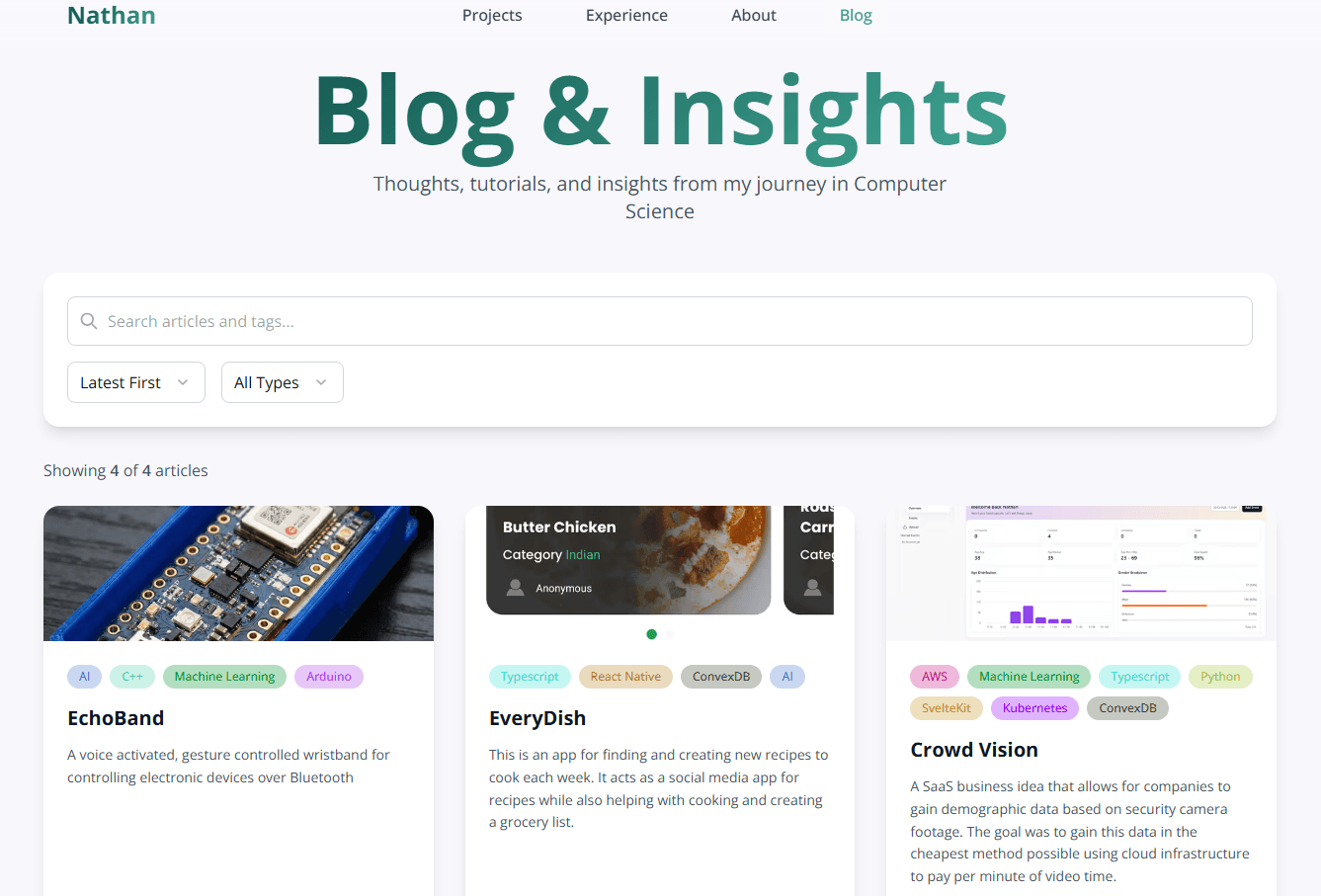
These pages required a lot more engineering than I anticipated regarding caching and search functionality. Having all of the page data come from Strapi isn't an issue for the static pages, but these pages require dynamic results constantly. From new postings, view count updates, and search results. I decided to implement the NextJS stale-while-revalidate cache setting to keep fresh data and good performance. The other thing I had to learn was search debouncing to prevent too many API calls while someone tries to search. There is also pagination, but there aren't enough posts to tell.
Blog post pages
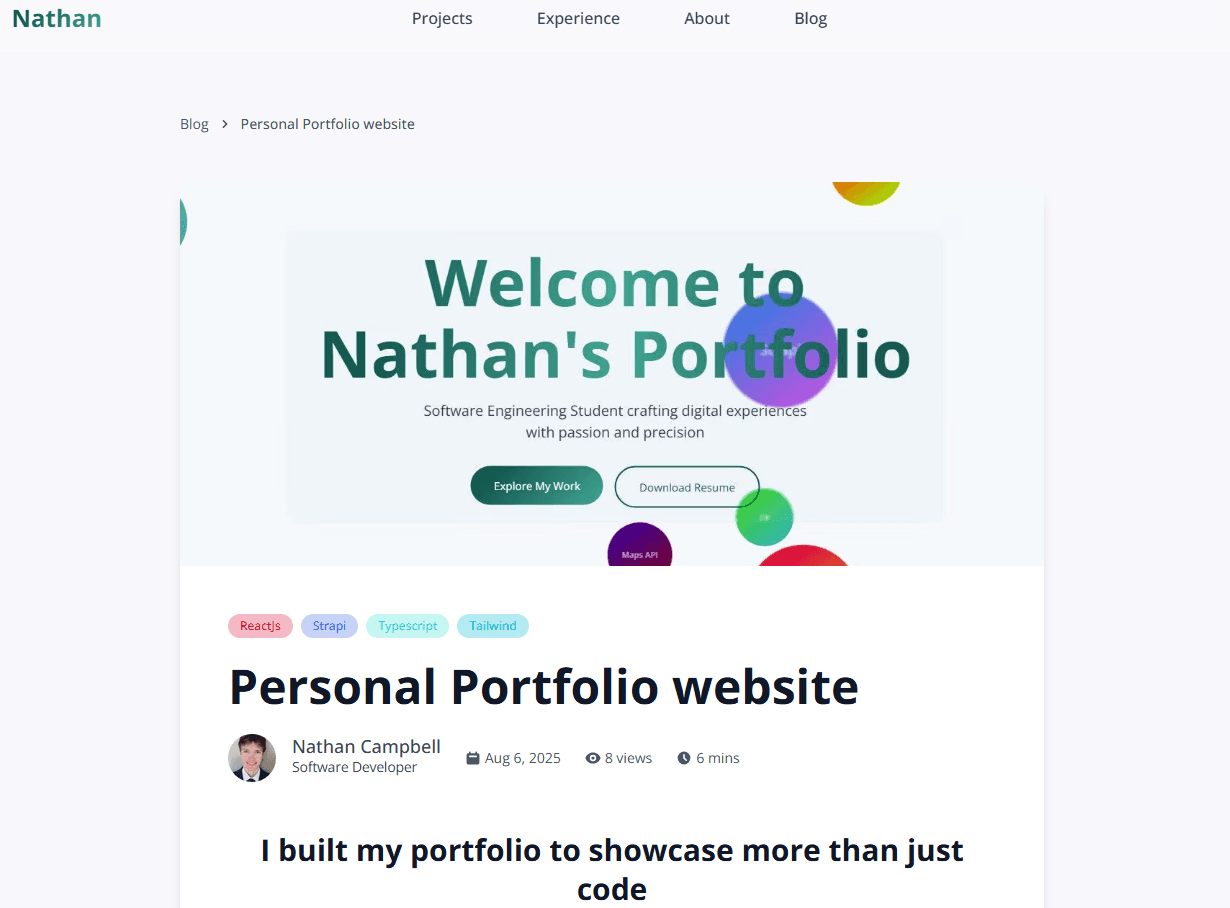
These pages had lots of cachine issues as well. The main problem I want to show here, though, was the view counting; if the project is completely server-side, then pressing the posts doesn't register a view, so I had to implement a client-side API call to Strapi to increment the view counter as well as store in the browser that this post has already been viewed. While I am sure I could have used other methods to accomplish this, I felt this was the most robust solution.
Strapi
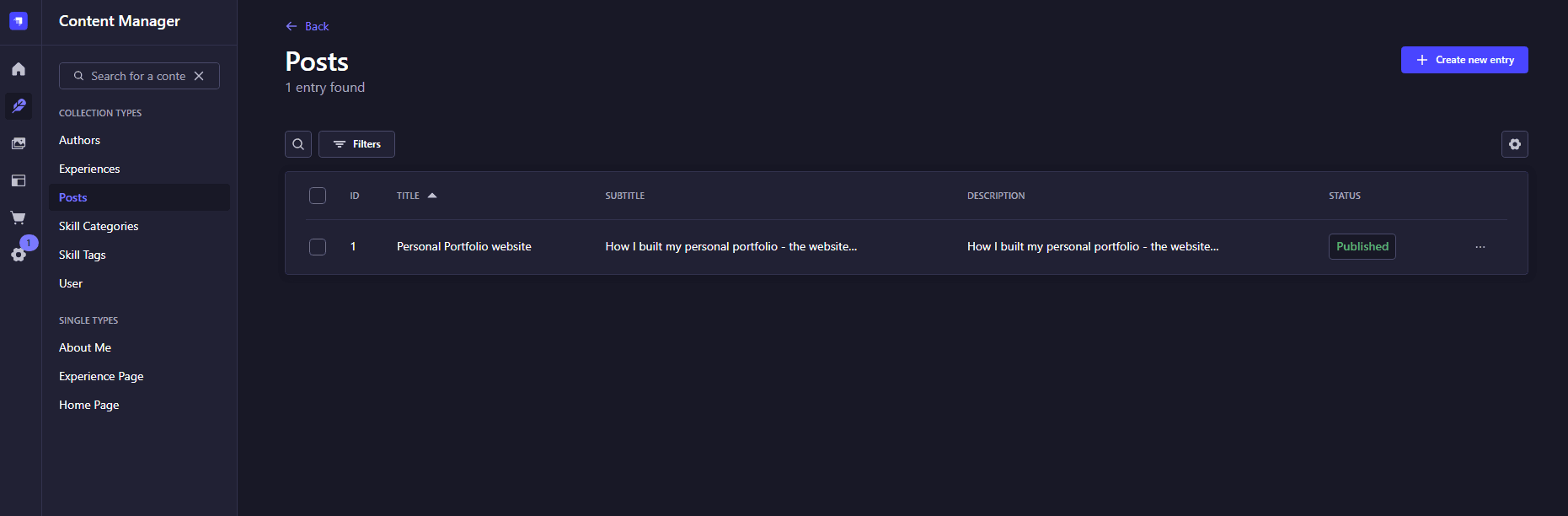
I have become somewhat of a Strapi expert through my time at Mawer, and I will write Strapi-specific blog posts in the future, but here I just used mostly simple logic along with a few custom APIs. I used Strapi Cloud to host the project—something I am not entirely thrilled with. Strapi Cloud has caused me some issues with uptime; it seems to "go to sleep" whenever it hasn't gotten an API call in a while that first wake-up call takes upwards of multiple minutes to respond. While the Strapi Cloud free tier is disappointing, Strapi itself is an amazing tool that I enjoy using as a CMS.
Final remarks
This project was fun. I primarily took the time to learn lots about SEO and different techniques for that, something that I am sure I have not perfected and will continue to learn more as time goes on and I do more projects in the future. The other part I tried to learn about was the SSG for better performance and SEO. It massively speeds up response times and makes the website feel extremely snappy to use. This was also my first time writing a blog post, and I look forward to improving my writing over the years.
Related Content
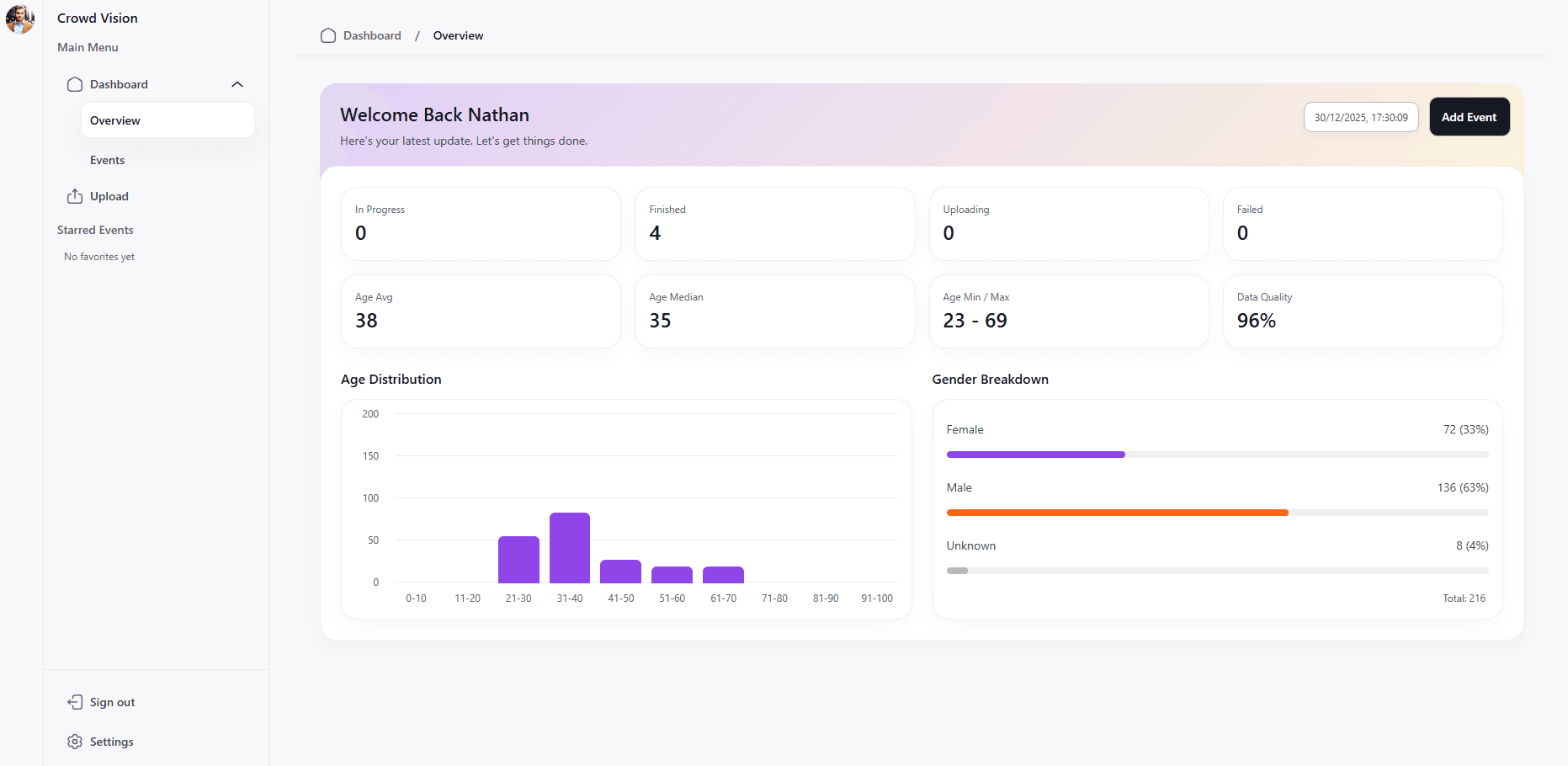
Crowd Vision
A SaaS business idea that allows for companies to gain demographic data based on security camera footage. The goal was to gain this data in the cheapest method possible using cloud infrastructure to pay per minute of video time.
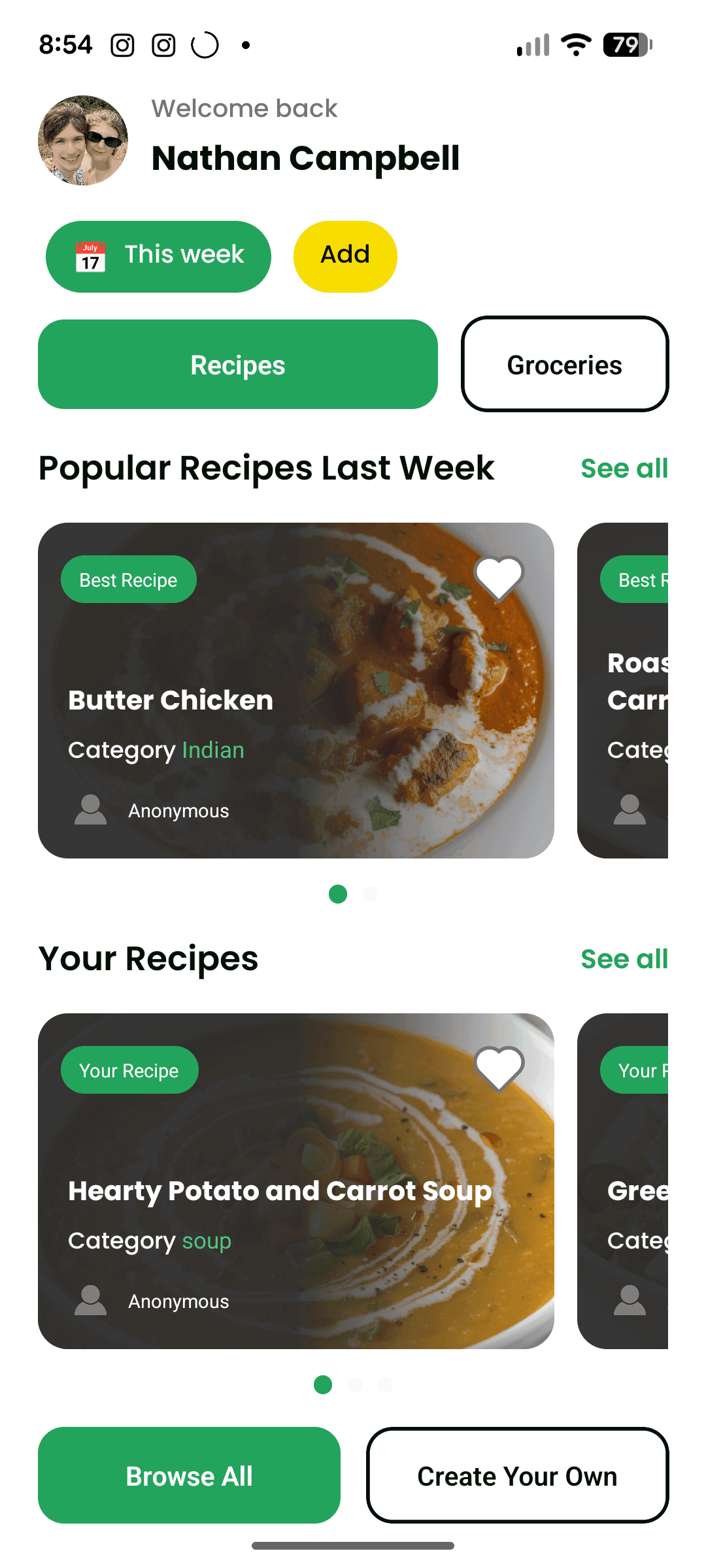
EveryDish
This is an app for finding and creating new recipes to cook each week. It acts as a social media app for recipes while also helping with cooking and creating a grocery list.